> ## Documentation Index
> Fetch the complete documentation index at: https://docs.otim.com/llms.txt
> Use this file to discover all available pages before exploring further.
# Getting Your Developer Keys
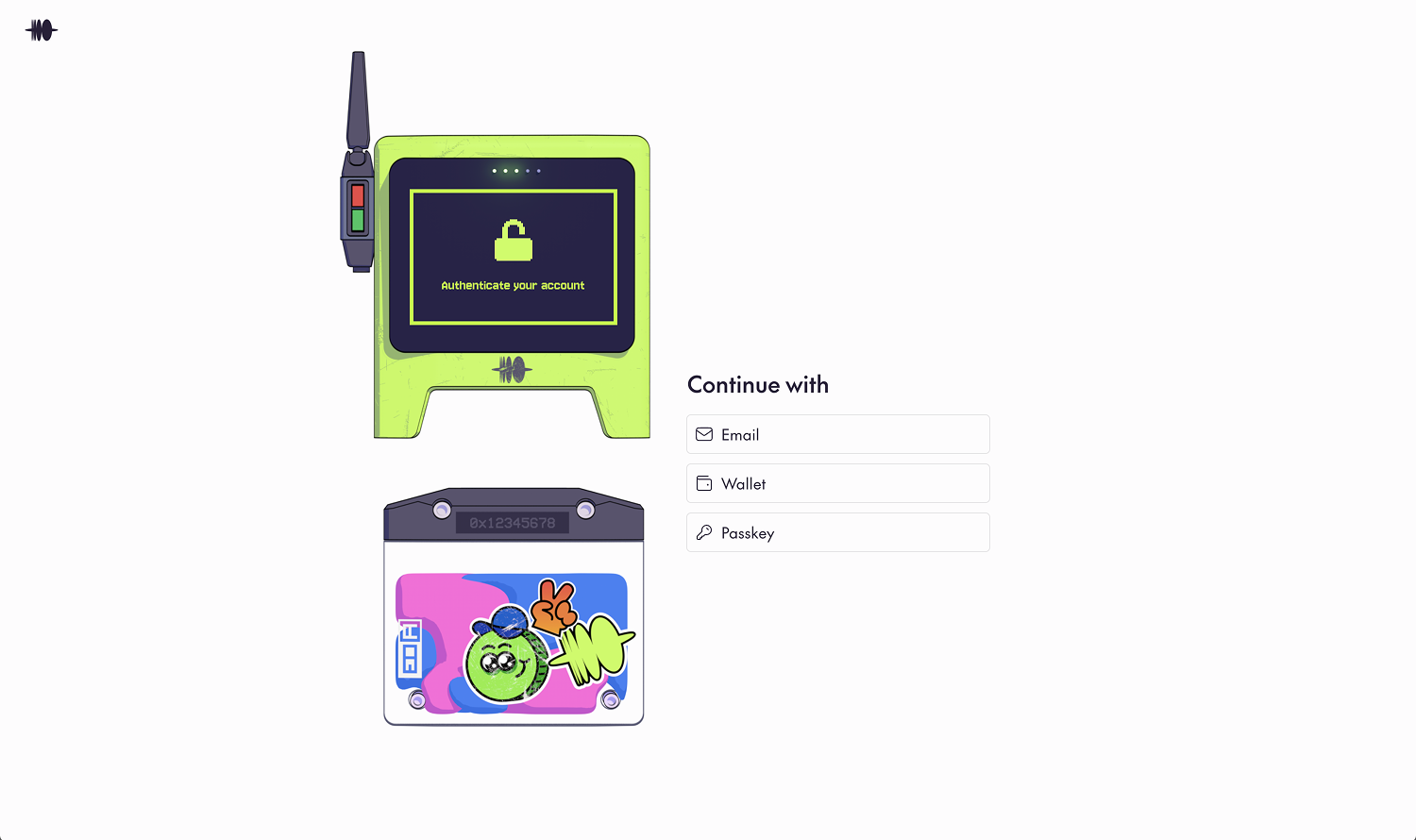
## Step 1: Onboard
Sign up for an Otim account at [app.otim.com](https://app.otim.com).
 ## Step 2: Request Developer Access
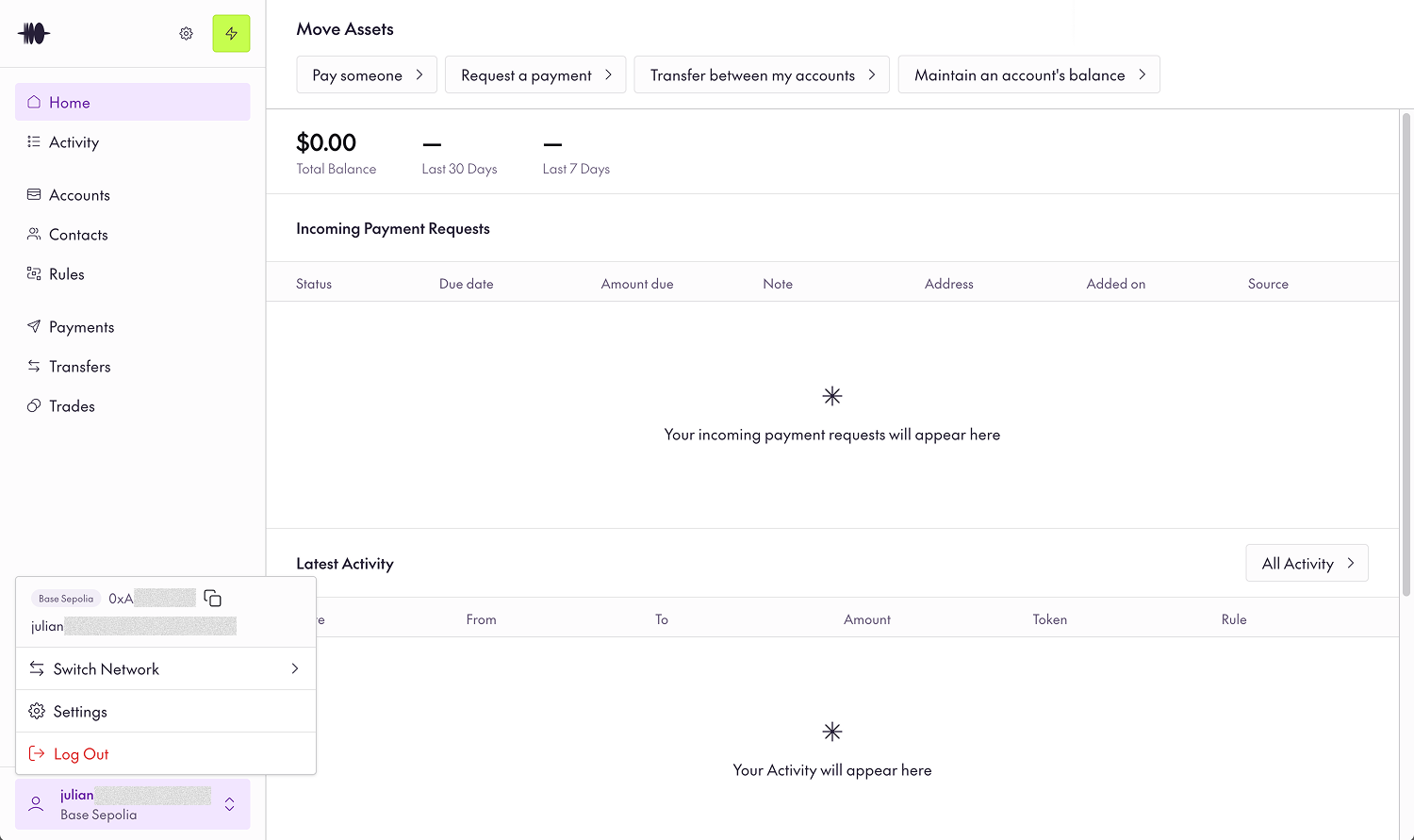
After getting through the onboarding, find your wallet address by clicking the bottom left and notify the Otim team to activate your developer account.
## Step 2: Request Developer Access
After getting through the onboarding, find your wallet address by clicking the bottom left and notify the Otim team to activate your developer account.
 ## Step 3: Navigate to the Developer tab
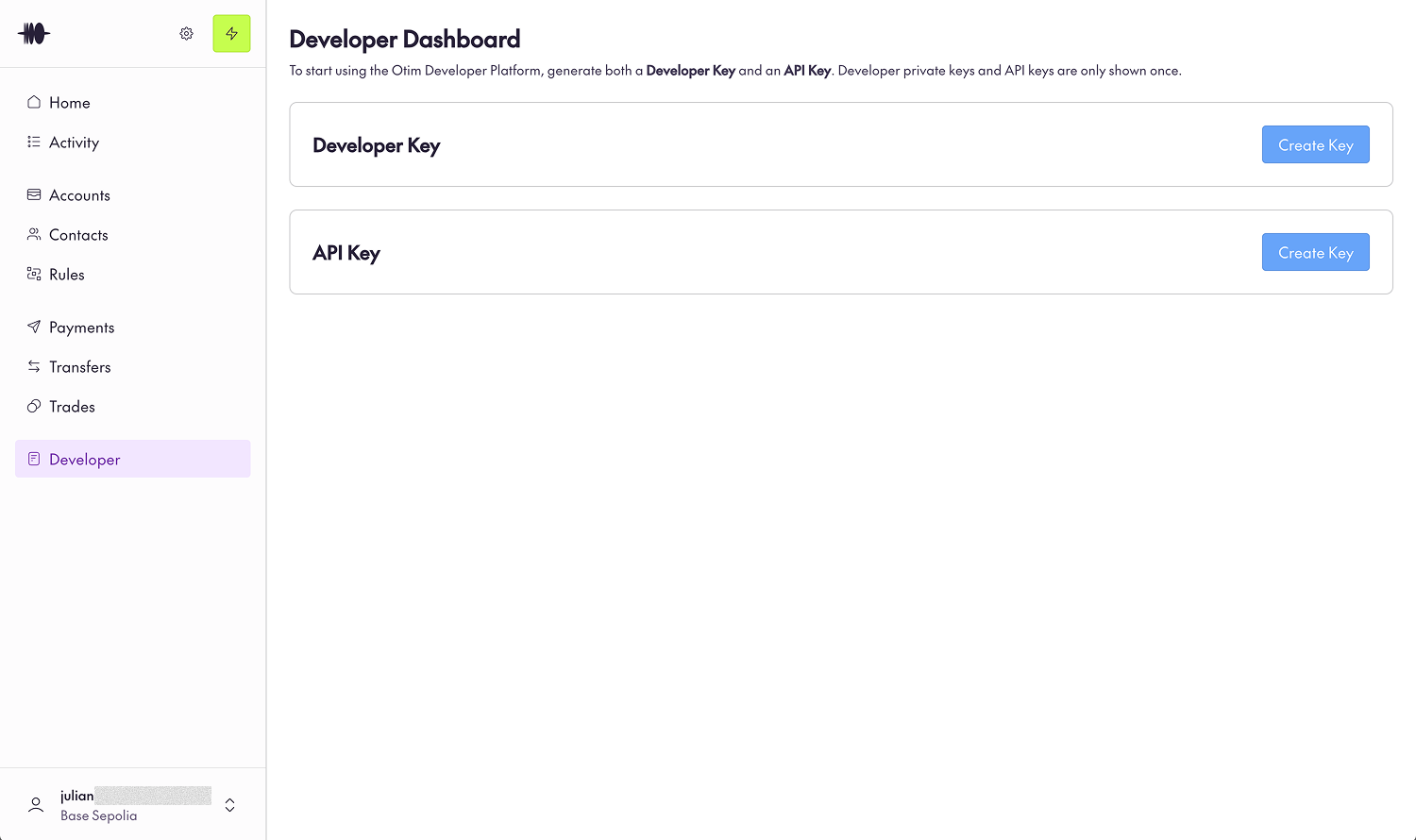
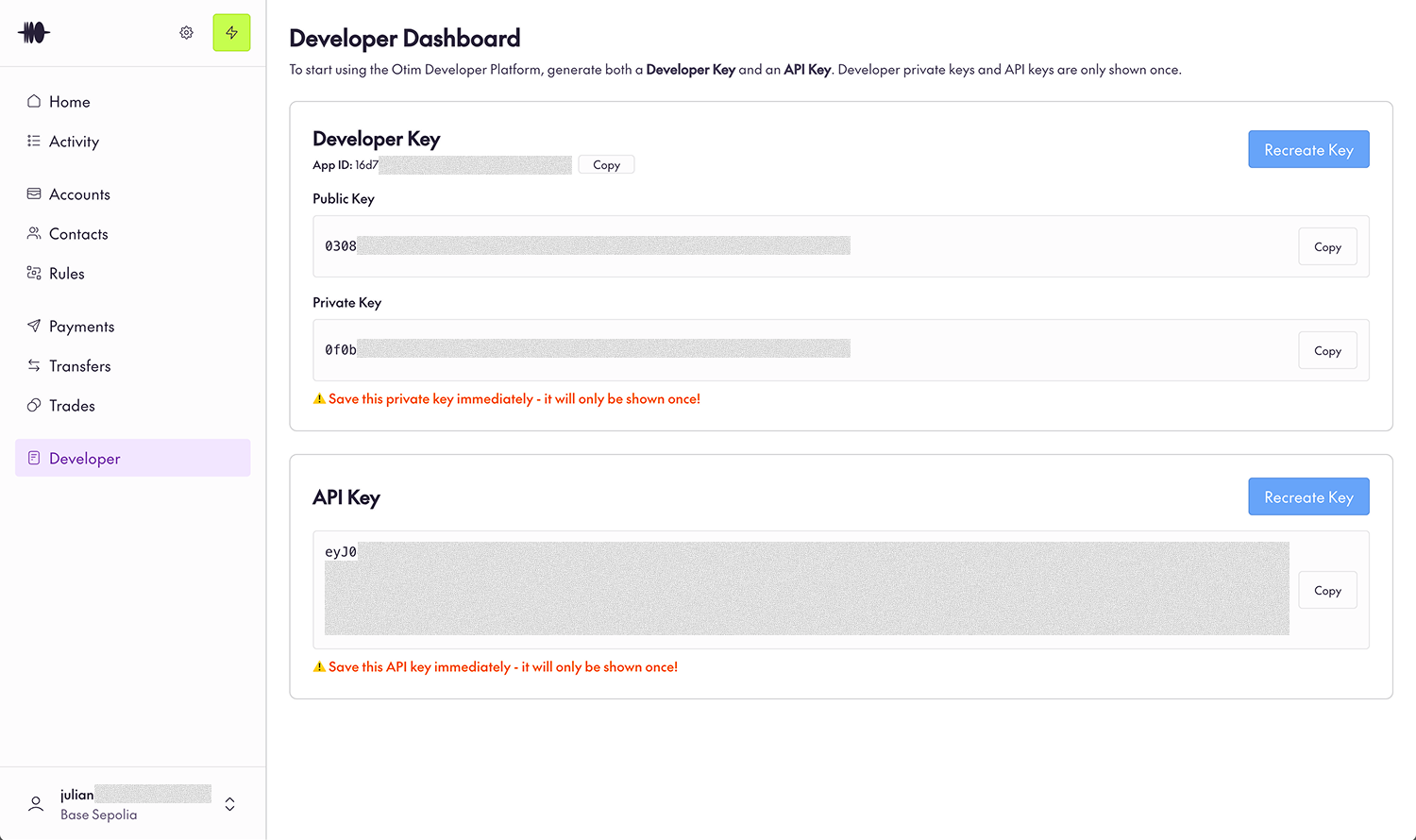
Once the Otim team has notified you that your developer access is ready, you should see the Developer tab appear in your Otim App sidebar.
## Step 3: Navigate to the Developer tab
Once the Otim team has notified you that your developer access is ready, you should see the Developer tab appear in your Otim App sidebar.
 ## Step 4: Create a Developer Key
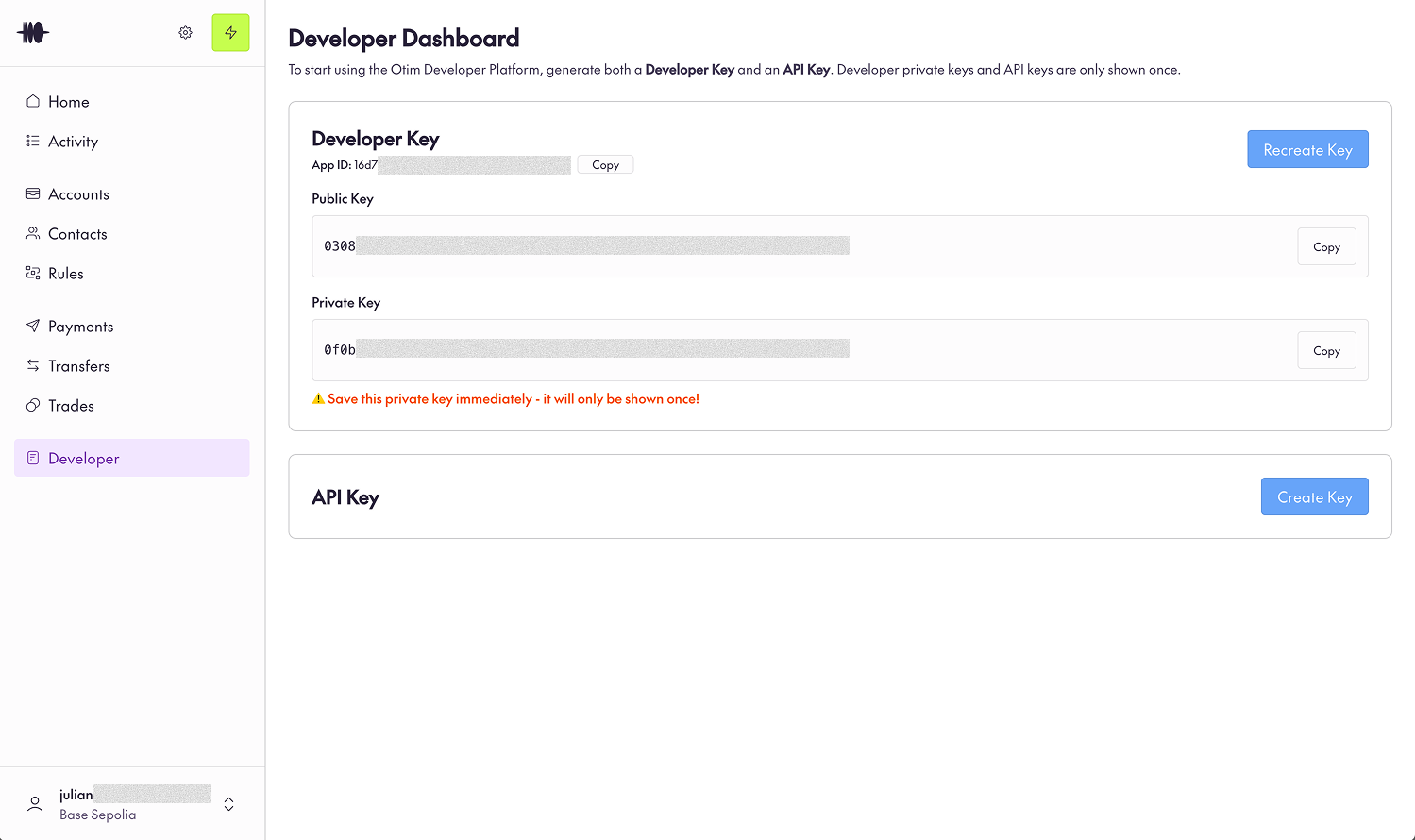
Firstly, create a Developer Key and make sure to save the returned private key because it won't be shown again.
## Step 4: Create a Developer Key
Firstly, create a Developer Key and make sure to save the returned private key because it won't be shown again.
 ## Step 5: Create an API Key
Then, create an API Key and make sure to save that too because it will only show once.
## Step 5: Create an API Key
Then, create an API Key and make sure to save that too because it will only show once.
 ***
And that's it! Now you're ready to start orchestrating away with any of our SDKs.
You are allowed to rotate your Developer Key or API Key at any time.
***
And that's it! Now you're ready to start orchestrating away with any of our SDKs.
You are allowed to rotate your Developer Key or API Key at any time.